Marking Favorites
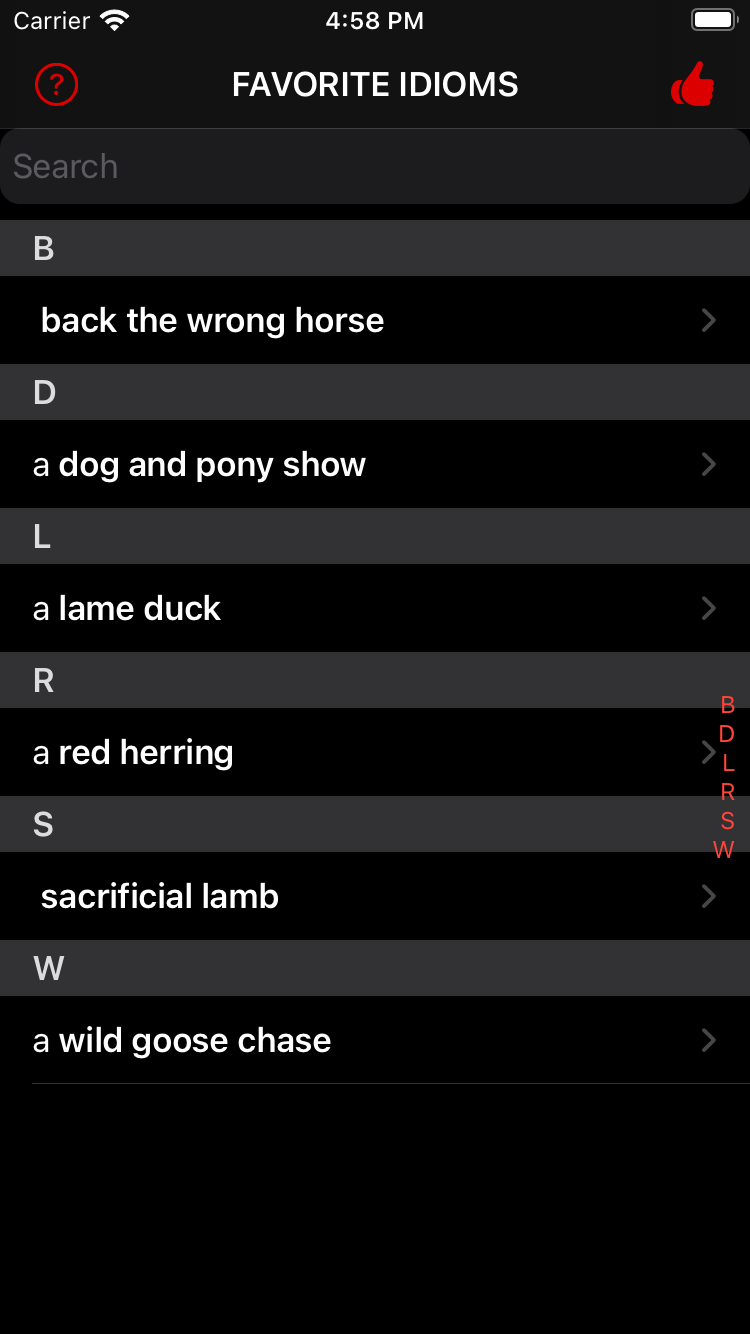
The  symbol identifies idioms you have selected as Favorite Idioms. To display your Favorite Idioms (shown left), tap
  on the American Idioms screen. To return to the American Idioms screen, tap on the Favorite Idioms screen.
When an idiom that is not in your Favorite Idioms is displayed, tap on its Details screen to mark the idiom with and add it to your Favorite Idioms (shown right).
To remove an idiom from your Favorite Idioms, tap it in the Favorite Idioms list and then tap on its Details screen.
If you have a long Favorites Idioms list, you can search the list while it’s being displayed as described on the previous page.